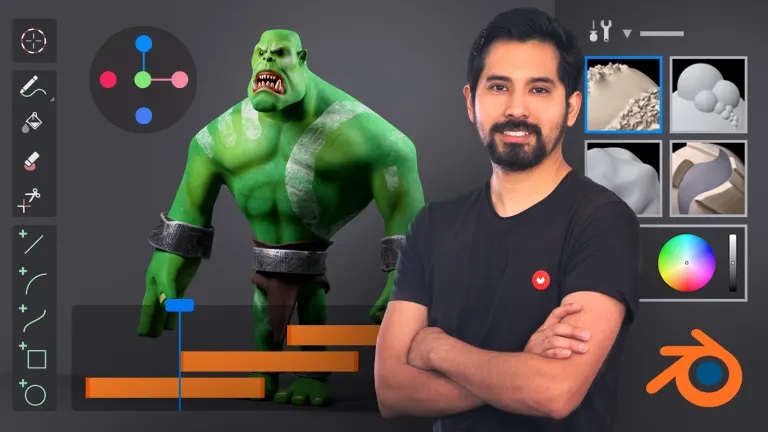
Learn how to master the software's basic tools to create professional-quality 2D and 3D content
Nowadays, flexibility and speed are requirements for creating high-quality audiovisual content. Blender is your best ally when it comes to combining these two needs in a single software.
In this 7-course Domestika Basics, learn to handle the basic tools in Blender, learning all its features for composition, animation, and image and video editing. Digital artist Carlos Sifuentes will be your guide and show you how to create professional-grade 2D and 3D content.
Start this journey by learning how to install the software, its main features, and how to navigate its interface. Then, learn about the optional add-ons this free software offers, including how to download and activate them.
In the second course, learn about the different objects that can be created using Blender. Discover the main features and characteristics of each object, and learn different techniques for editing them quickly.
Learn about the brush and sculpting tools, among them the Remesh modifier and the Dyntopo dynamic sculpture method, to color, texture, and shape your objects.
Next up, Carlos teaches you the basics of animation with Blender so you can give life to the objects you have created. See how the armatures, keyframes, timeline, and graph editor work. Then, discover how to set up a 3D camera and how it works together with other 2D animated objects.
In the fifth course, add realism to your animation by going deeper into the physical dynamics between different objects, creating interactive loose particles, and defining the details of elements that are in constant movement like fabric and hair.
Learn how to generate light and shadow effects and see how to preview your final work using two separate tools. Learn how to work on Cycles, for traditional image or video rendering, and Eevee, which uses real-time video game technology.
In the last course of this Domestika Basics, enter the final adjustments stage. Carlos teaches you all the details to look out for in the Composer and Video Sequence Editor tools. Work on composition concepts, color treatment, effects, and editing for images, audio, and video.
Technical Requirements
Course summary
 Session Start 05-10+2024
 Location Online
 Duration 7h 36m
U1: Welcome
U2: What is Blender and how to obtain it
U3: Interface 1 (Splash Screen, Topbar, areas)
U4: Interface 2 (Workspaces, Tabs and Panels)
U5: Overlays (Display Options)
U6: Navigation with mouse, keyboard and graphics tablet
U7: Selection and transformation
U8: What are Addons and Themes (Plugins)
U9: Practice time!